
PRESET SELECTED · READY TO APPLY
Browse all 60 presets →The Matrix photo filter: high-gain digital green, one click away.
A free Matrix photo editor and color grading preset inspired by the visual aesthetic of The Matrix, built to give photos the film's iconic flat digital-green tint without touching a curves panel.
One color, total commitment
Cinematographer Bill Pope, working with the Wachowskis, made a choice that still stands out decades later: strip the "real world" scenes of The Matrix down to a near-monochrome base, then push a single, unmistakable green through the entire frame. It's not a subtle color grade, it's a flat, deliberate tint applied uniformly, signaling "this is inside the simulation" without a single line of dialogue.
That commitment to one hue, rather than a warm/cool split like most cinematic grades, is what makes the look instantly recognizable and surprisingly hard to fake with a generic color filter. Contrast stays high and shadows stay dense, echoing the film's harsh, fluorescent-lit interiors and grim, sunless outdoor scenes.
See the grade applied
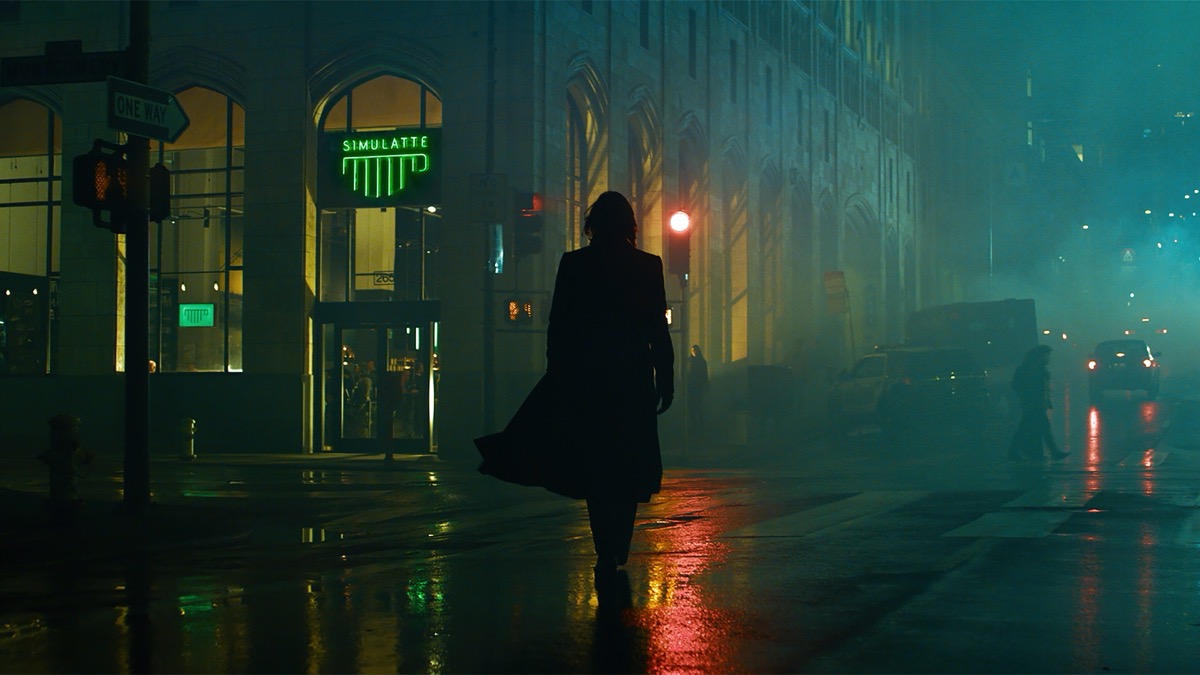
How the Matrix color grade actually works
This preset works differently from every other movie grade in this tool. Rather than shifting a color photo's existing hues, it first converts the image fully to greyscale, then pushes contrast hard and pulls brightness down slightly to deepen shadows, the same high-gain, slightly underexposed base the film's "real world" scenes use.
Only after that is a single flat green tint applied across the whole frame using a color blend mode, at a high, near-saturated opacity. Because the tint sits on top of a fully desaturated base rather than a directional gradient, it reads consistently across any photo's composition, there's no shadow-to-highlight split to fight the image's original framing, unlike the teal-amber or steel-olive splits used in the other movie presets here.
What to shoot it on
- Urban and tech environments. Server rooms, screens, and city architecture lean naturally into the cold, artificial mood of a flat green tint.
- Low-light portraits. Since it works on tone rather than a directional overlay, faces and portraits hold up well without an odd color split across the frame.
- Night cityscapes. High-contrast artificial light sources pair well with the grade's crushed shadows and single-hue tint.
More movie-inspired grades
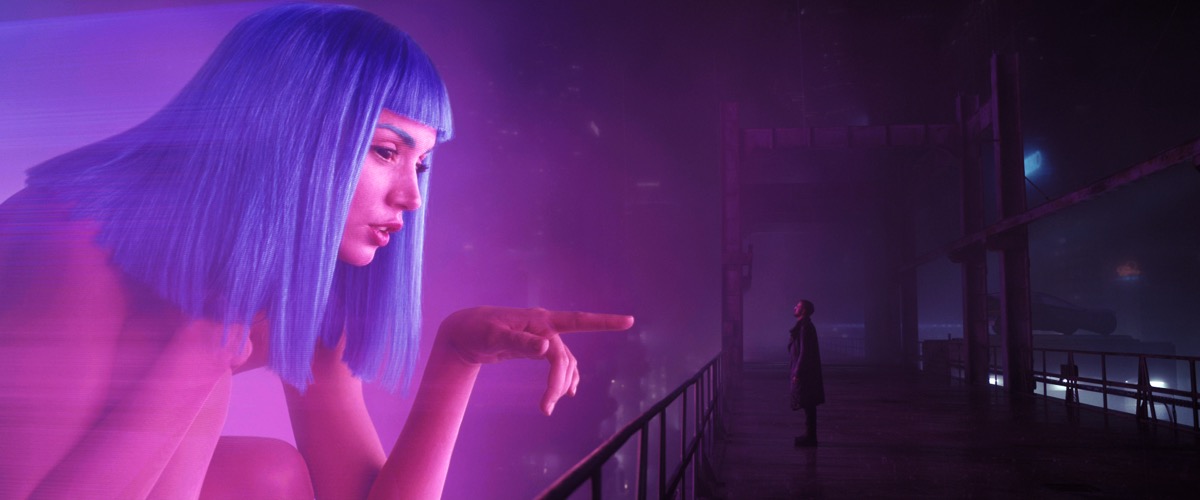
Se alle 60 presets →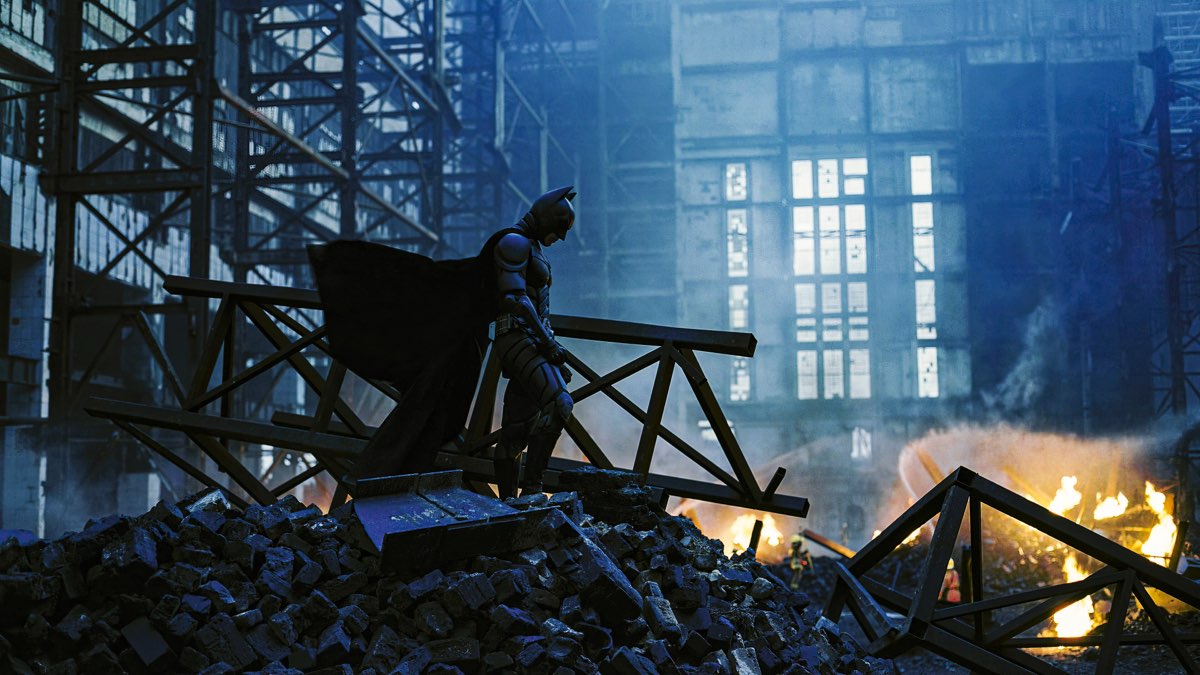

Common questions about the Matrix photo filter
Is this an official Matrix photo filter?
No. This preset is inspired by the visual aesthetic of The Matrix's cinematography, it isn't an official filter licensed by or affiliated with the studio or the film's creators. It's an independent color grade built to echo the look, not a branded tie-in.
Is there a dedicated Matrix photo editor?
This page is that dedicated editor — the Matrix grade loads pre-selected in the drop zone above, so you can drop a photo and immediately adjust its grain and vignette without hunting through the full 60-preset library first.
Why does the Matrix preset turn the whole photo green, instead of just the shadows or highlights?
That's a deliberate structural difference from every other preset in this tool. Most grades here split color between shadows and highlights using a gradient overlay. The Matrix preset instead fully desaturates the photo first, then tints the entire flattened image a single uniform green using a color blend. The result is consistent regardless of what's in the frame, since there's no gradient direction to fight the original composition.
How is the Matrix preset different from a generic green Instagram filter?
A basic green filter usually just shifts the color channels or drops a translucent green layer over the original colors. This preset first converts the image to full greyscale, then reapplies contrast and a brightness pull before tinting, closer to how the film's color timing worked: strip the color out, then reintroduce exactly one hue.
Does the Matrix preset work well on bright daylight photos?
It applies the same grayscale-then-green treatment regardless of lighting, but it reads most convincingly on photos that already have some contrast and shadow depth, similar to the other high-contrast presets in this tool. Very flat, overexposed daylight shots will still turn green, just with less punch.
Can I reduce the intensity of the green tint?
The preset's overlay opacity is fixed at a high default to match the film's saturated look, but you can back off the effect afterward using the editor's grain, vignette, and glow controls to change the overall mood, or start from the Original preset and manually approximate a lighter tint if you want a more subtle green cast.
What kind of photos look best with a Matrix-style green tint?
Urban and tech-adjacent environments, computer screens, server rooms, city streets at night, and low-light portraits tend to suit the flat digital green tone best, since they already lean toward the cold, artificial mood the grade reinforces.
Prefer a different film's look? Browse the full library of 60 presets, learn more about cinematic color grading, or head to the homepage to start with a blank slate.