
PRESET SELECTED · READY TO APPLY
Browse all 60 presets →The Breaking Bad photo filter: yellow-green desert, gritty high contrast.
A free Breaking Bad photo editor and color grading preset inspired by the visual aesthetic of Breaking Bad, built to give sunlit and desert photos the show's signature sickly yellow-green cast and hard-edged contrast.
A toxic desert palette
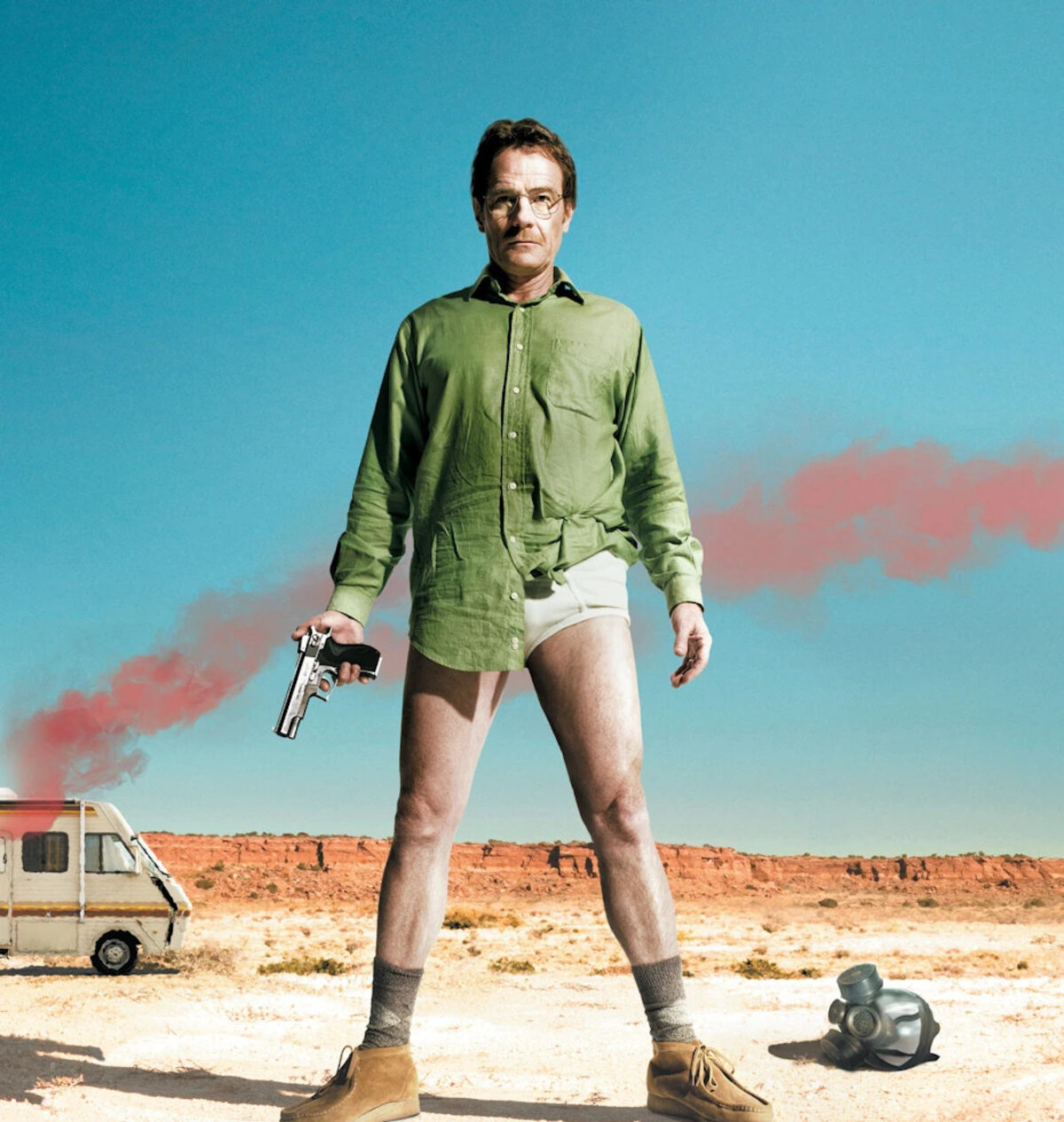
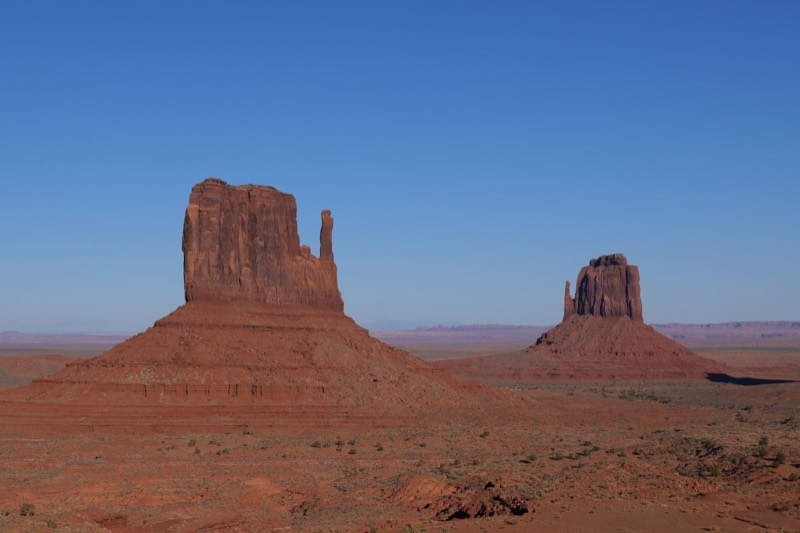
Breaking Bad's cinematography uses Albuquerque's harsh desert light against a color palette that keeps drifting away from a clean, postcard tan toward something slightly sick, yellow-greens in the sky and land, muted skin tones, and a contrast level that makes shadows go hard rather than soft. It's a look built to feel exposed: wide-open desert under an unforgiving sun, with nowhere to hide.
That same harshness carries into interiors, RVs, motel rooms, superlab fluorescents, where the yellow-green cast reads as sterile and clinical instead of warm. This preset leans on a hue-shifted sepia base and a yellow-green overlay to chase that same off-kilter warmth rather than a straightforward golden-hour desert grade.
See the grade applied
How the Breaking Bad color grade actually works
The base adjustment pushes contrast up hard while pulling saturation down slightly, then layers in sepia warmth shifted a few degrees toward green rather than the usual straight amber. That hue rotation is what keeps the result from reading as a generic desert or vintage filter, it's specifically tuned toward the show's sickly, sun-bleached cast.
A yellow-green overlay in overlay blend mode then ties the shadows and highlights together under that same tint, while grain and vignette stay deliberately restrained to match the show's clean, sharp digital photography instead of dragging the image toward a grungier film-grain look it doesn't actually have.
What to shoot it on
- Desert or arid landscapes. Hard sun and open sky are exactly what the contrast push and yellow-green tint are built to exaggerate.
- Bright, high-contrast daylight shots. Strong directional light gives the grade's hard shadows and blown highlights something to work with.
- Cars, roads, and roadside scenes. The show's road-trip visual language translates directly, especially with a bit of dust or heat haze in frame.
More movie- and TV-inspired grades
Se alle 60 presets →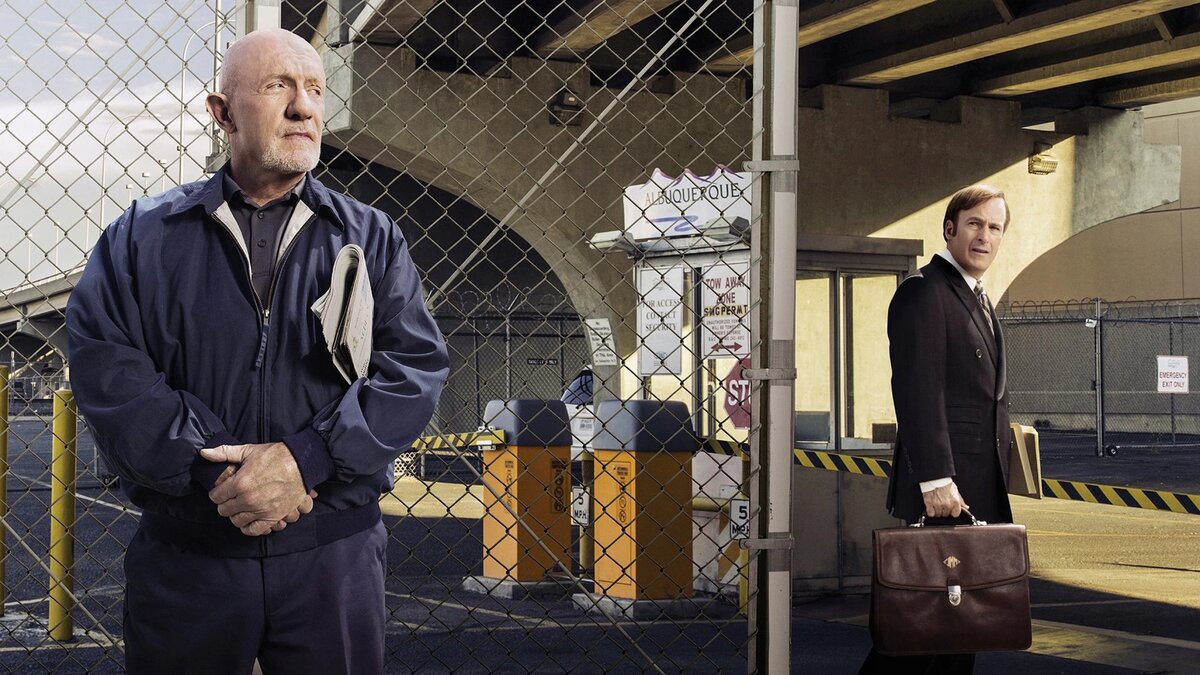
Common questions about the Breaking Bad photo filter
Is this an official Breaking Bad photo filter?
No. This preset is inspired by the visual aesthetic of Breaking Bad's cinematography, it isn't an official filter licensed by or affiliated with AMC, Sony, or the show's creators. It's an independent color grade built to echo the look, not a branded tie-in product.
Is there a dedicated Breaking Bad photo editor?
This page is that dedicated editor — the Breaking Bad grade loads pre-selected in the drop zone above, so you can drop a photo and immediately adjust its grain, vignette, and glow without hunting through the full 60-preset library first.
Is this a Breaking Bad color filter, or a full color grade?
It's more than a simple color filter. Rather than a single flat tint, this Breaking Bad color filter layers a hue-shifted sepia base with a directional yellow-green overlay, contrast, and grain, the same layered approach a colorist uses, so it holds up across different lighting instead of just tinting every pixel the same shade.
Why does the Breaking Bad preset push toward yellow-green instead of a straight desert tan?
The show's New Mexico exteriors lean toward a sickly yellow-green rather than a warm, postcard desert tone, especially in scenes tied to the meth-cooking plotline. This preset shifts hue slightly ahead of the sepia warmth to chase that same slightly toxic cast instead of a clean golden-hour look.
How is Breaking Bad different from the Better Call Saul preset?
They share the same Albuquerque setting but split in mood. Breaking Bad pushes harder contrast and a yellow-green tint for a grittier, higher-stakes feel. Better Call Saul stays closer to a warm, even desert tone with less hue-shifting, matching its slightly softer, more procedural visual style.
Does the Breaking Bad preset work on photos that aren't desert or outdoor shots?
Yes, though it shows off most on high-contrast daylight scenes with some warmth already in them; sunlit streets, dry landscapes, or anything with strong directional light. Indoor or overcast photos still get the contrast push and color grade, just with less of the signature desert glare to work with.
Why is the grain and vignette fairly restrained on this preset?
Breaking Bad's cinematography favors clean, sharp digital photography over a heavy film-grain look, especially in its wide desert shots. The preset keeps grain and vignette moderate so the color grade reads clearly without dragging the image toward a grungier, more degraded texture than the show actually has.
What kind of photos look best with a Breaking Bad-style grade?
Bright, high-contrast outdoor shots work best: desert or arid landscapes, sunlit streets, cars, or anything already carrying a bit of natural warmth. Portraits taken in strong daylight also pick up the gritty, slightly toxic cast well.
Prefer a different show or film's look? Browse the full library of 60 presets, learn more about cinematic color grading, or head to the homepage to start with a blank slate.