
PRESET SELECTED · READY TO APPLY
Browse all 60 presets →The Blade Runner 2049 photo filter: amber neon through a teal haze.
A free Blade Runner 2049 photo editor and color grading preset inspired by the visual aesthetic of Denis Villeneuve's Blade Runner 2049, built to give night photos the film's signature hazy, neon-lit split between warm highlights and cool shadow.
A hazy, amber-and-teal future
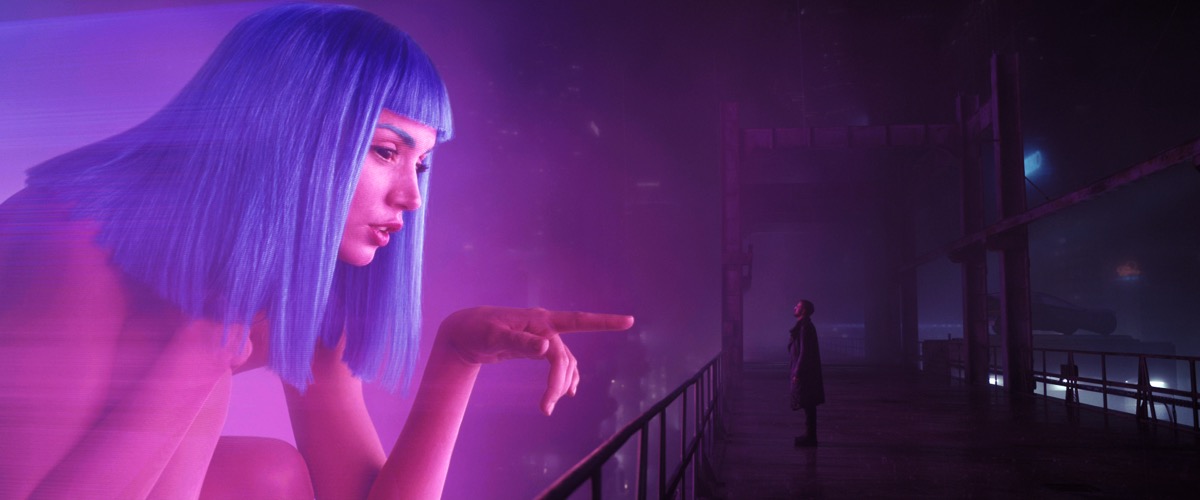
Cinematographer Roger Deakins built Blade Runner 2049's world around volumetric light: fog, dust, and haze that make every beam of neon or sodium-vapor light visible in the air, not just where it lands. Color splits cleanly along temperature, sickly amber and orange in the film's dust-choked exteriors and interrogation-room interiors, cold teal-blue in its rain and snow-bound exteriors, rather than blending into a single muddy tone.
It's an unusually symmetrical, deliberate frame style paired with an atmosphere that never feels clean. Light sources bloom and scatter instead of staying crisp, which is the detail this preset leans on hardest: a soft haze layer sits on top of the color grade itself, something none of this tool's other presets do.
See the grade applied
How the Blade Runner 2049 color grade actually works
The base adjustment pushes contrast and saturation up together, then adds a touch of sepia to warm the whole frame slightly before any directional color is applied. A two-tone overlay then splits the image: deep teal in the shadows, bright amber-orange in the highlights, the temperature contrast that reads instantly as this film's world.
What makes this preset structurally different from the other movie grades in this tool is a dedicated haze layer stacked on top: a soft, low-opacity amber wash across the whole frame that simulates atmospheric fog. Paired with the highest default glow of any preset here, it's what makes light sources bloom and scatter rather than staying sharp and point-like.
What to shoot it on
- Night city streets and neon signage. Visible light sources are exactly what the haze and glow are built to bloom around.
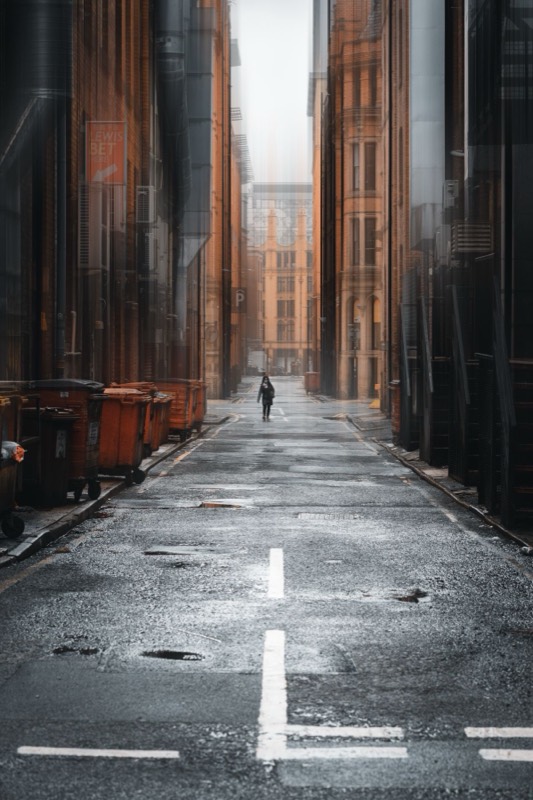
- Wet, reflective pavement. Rain and puddles double up the amber-teal split as reflected color, deepening the effect.
- Backlit or silhouetted portraits. A strong light source behind the subject gives the glow and haze layers something dramatic to catch.
More movie-inspired grades
Browse all 60 presets →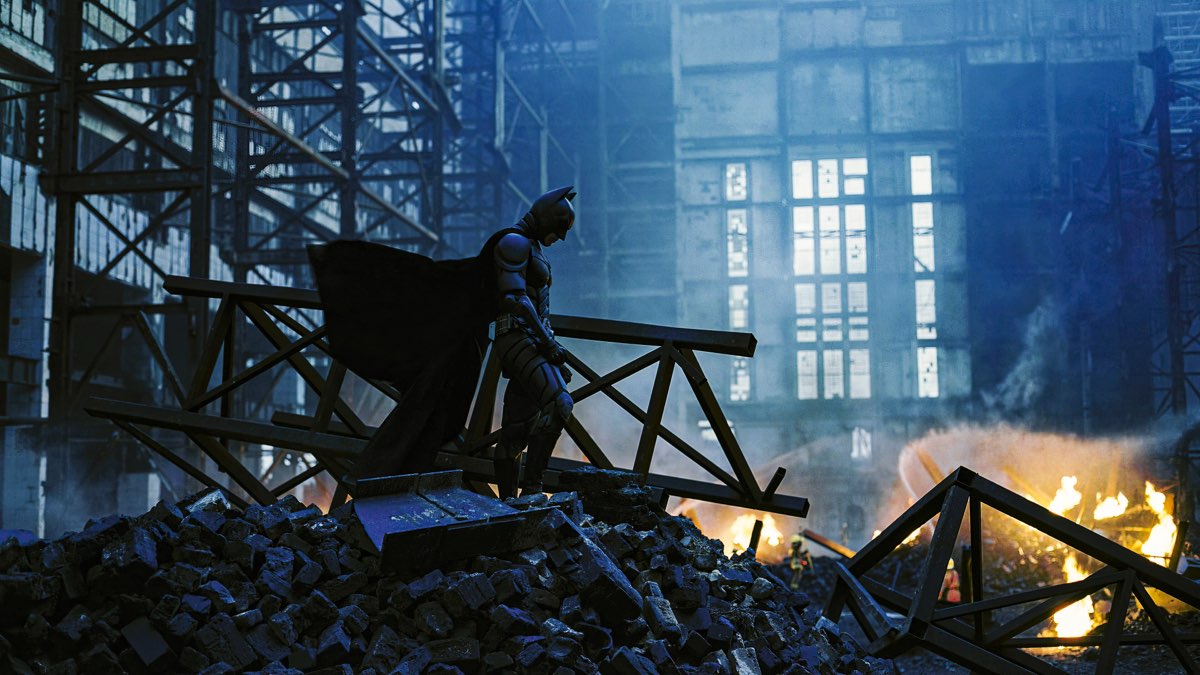



Common questions about the Blade Runner 2049 photo filter
Is this an official Blade Runner 2049 photo filter?
No. This preset is inspired by the visual aesthetic of Blade Runner 2049's cinematography, it isn't an official filter licensed by or affiliated with the studio or the film's creators. It's an independent color grade built to echo the look, not a branded tie-in product.
Is there a dedicated Blade Runner 2049 photo editor?
This page is that dedicated editor — the Blade Runner 2049 grade loads pre-selected in the drop zone above, so you can drop a photo and immediately adjust its haze, glow, and vignette without hunting through the full 60-preset library first.
What does the haze setting do in the Blade Runner 2049 preset?
Unlike most presets in this tool, the Blade Runner 2049 grade layers in a soft amber haze on top of the usual color and contrast adjustments, simulating the atmospheric fog and diffused light the film uses constantly. It's what gives bright light sources their soft bloom instead of a hard-edged glow.
How is Blade Runner 2049 different from the Matrix green tint preset?
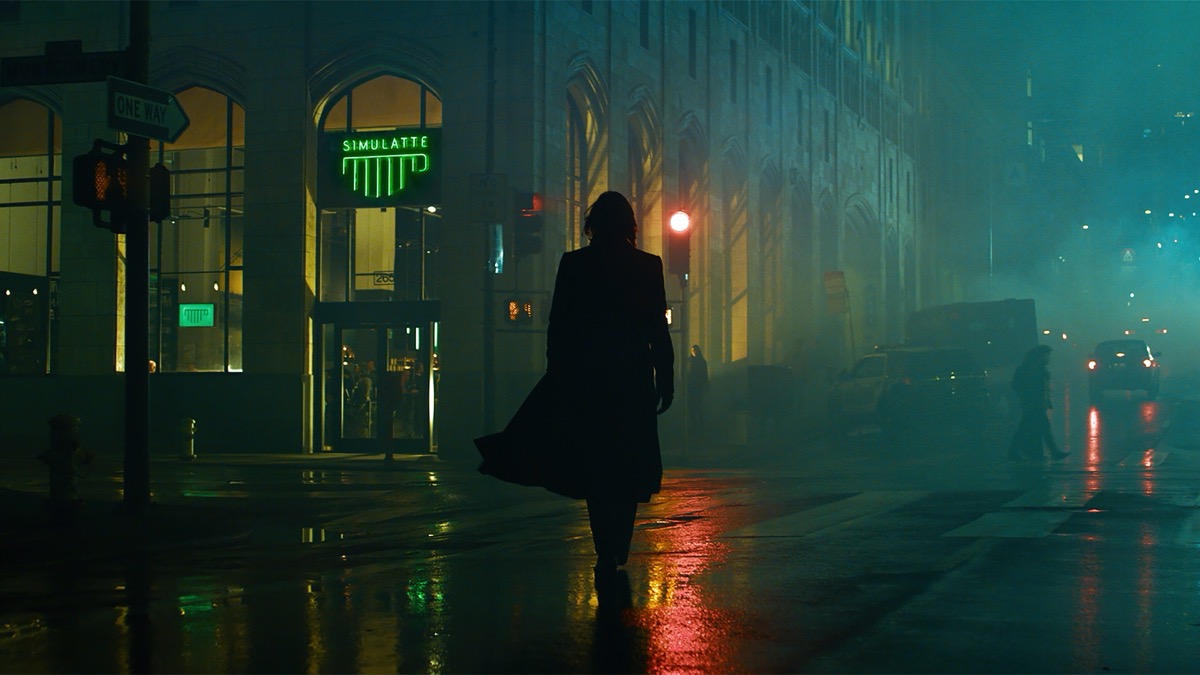
They're both neon-adjacent sci-fi grades but split in opposite directions. Blade Runner 2049 splits shadows toward teal and highlights toward amber, with soft haze and heavy glow for a hazy, diffused feel. The Matrix preset desaturates the whole image first, then tints everything a single flat green, a much more uniform, less directional effect.
Does the Blade Runner 2049 preset work on daytime or indoor photos?
It's built around neon, streetlight, and night-scene color separation, so it shows off most on shots with visible artificial light sources. Daylight photos still get the amber-teal grade and haze, but the effect reads more subtly without neon or backlighting to bloom.
How do I get the most out of the neon glow effect on my photo?
The preset ships with an unusually high default glow, the highest of any preset in the tool, so bright points of light already bloom aggressively. If you want it lower, dial back the Glow / Halation slider in the editor after applying the preset.
What kind of photos look best with a Blade Runner 2049-style grade?
Night city streets, neon signage, wet reflective pavement, and backlit or silhouetted portraits are the strongest fits, since they give the amber-teal split and haze something to work with. It also holds up well on foggy or overcast outdoor scenes.
Prefer a different film's look? Browse the full library of 60 presets, learn more about cinematic color grading, or head to the homepage to start with a blank slate.