
PRESET SELECTED · READY TO APPLY
Browse all 60 presets →The Peaky Blinders photo filter: dark, desaturated, vintage moody.
A free Peaky Blinders photo editor and color grading preset inspired by the visual aesthetic of Peaky Blinders, built to give photos the show's smog-choked, desaturated, post-industrial Birmingham tone.
Smog, silhouette, and muted color
Peaky Blinders builds its post-WWI Birmingham around industrial haze: chimney smoke, factory soot, and overcast sky drain the color out of nearly every frame, leaving browns, greys, and dull olive tones to dominate. It's a palette that trades period vibrancy for weight and grit, reinforcing a city defined by its factories rather than its finery.
Against that muted backdrop, the show leans on strong backlighting and silhouette, figures framed against smoke, fog, or firelight rather than lit head-on. This preset's heavy desaturation and strong vignette are built to chase that same atmospheric, smog-filtered weight.
See the grade applied
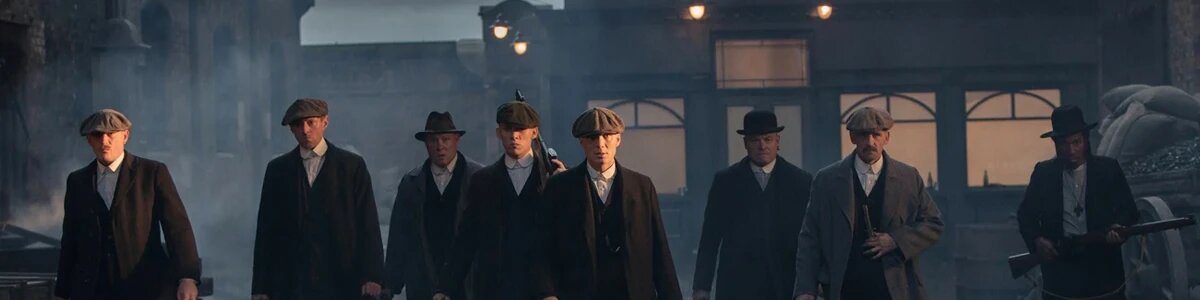
How the Peaky Blinders color grade actually works
The base adjustment cuts saturation to roughly half of normal, one of the heaviest desaturation pushes in this tool, while pulling brightness down and adding a touch of sepia to keep the muted tones from turning cold and lifeless. A dark brown-grey overlay then sits across the frame in overlay blend mode, tying shadows and highlights together under the same weathered, smog-choked cast.
Grain runs heavy, echoing the show's textured, film-like cinematography, while vignette sits among the strongest defaults in the tool, closing the frame in around the subject to match the show's silhouette-driven framing. Glow stays low, keeping the look grounded rather than glowing or dreamlike.
What to shoot it on
- Industrial architecture. Brick, steel, and factory textures pick up the desaturated, weathered cast especially well.
- Smoky, hazy, or foggy scenes. Atmospheric haze matches the show's smog-filtered daylight and reinforces the heavy vignette.
- Silhouettes and backlit portraits. A strong light source behind the subject echoes the show's signature framing against smoke or fire.
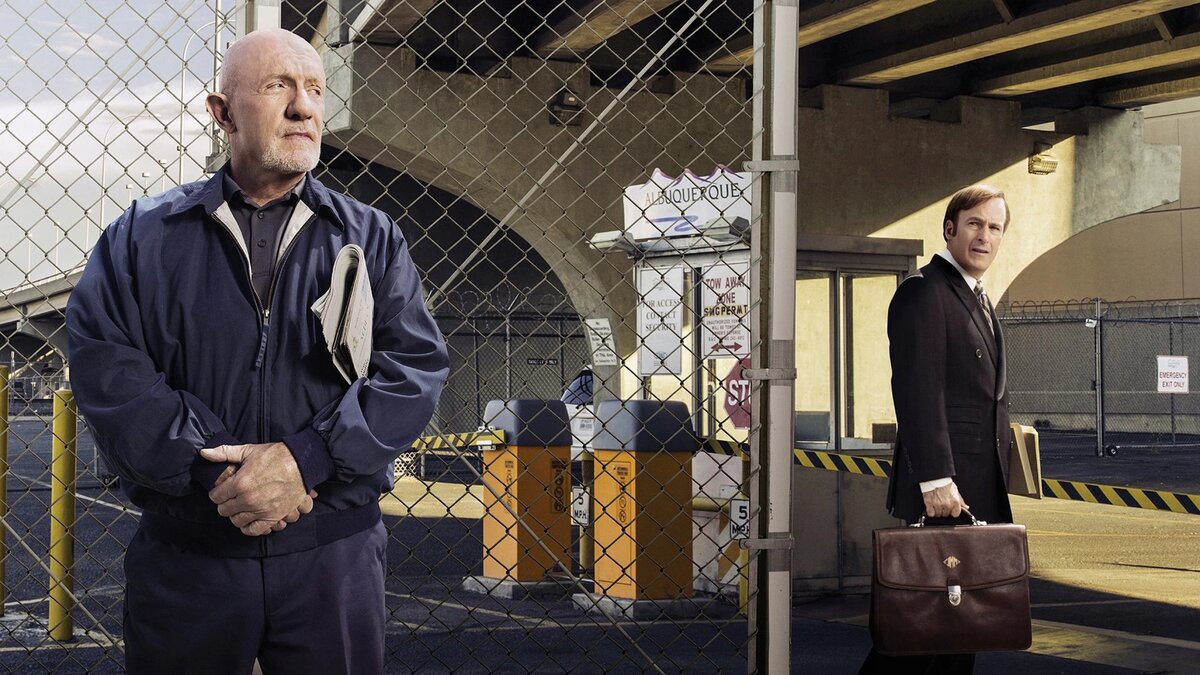
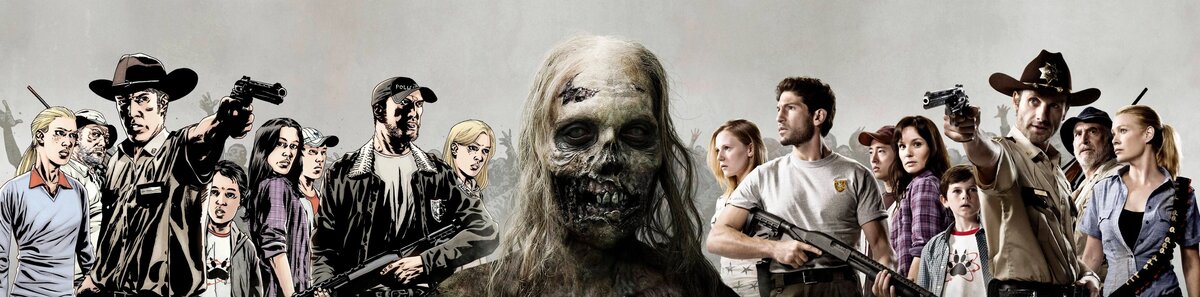
More movie- and TV-inspired grades
Browse all 60 presets →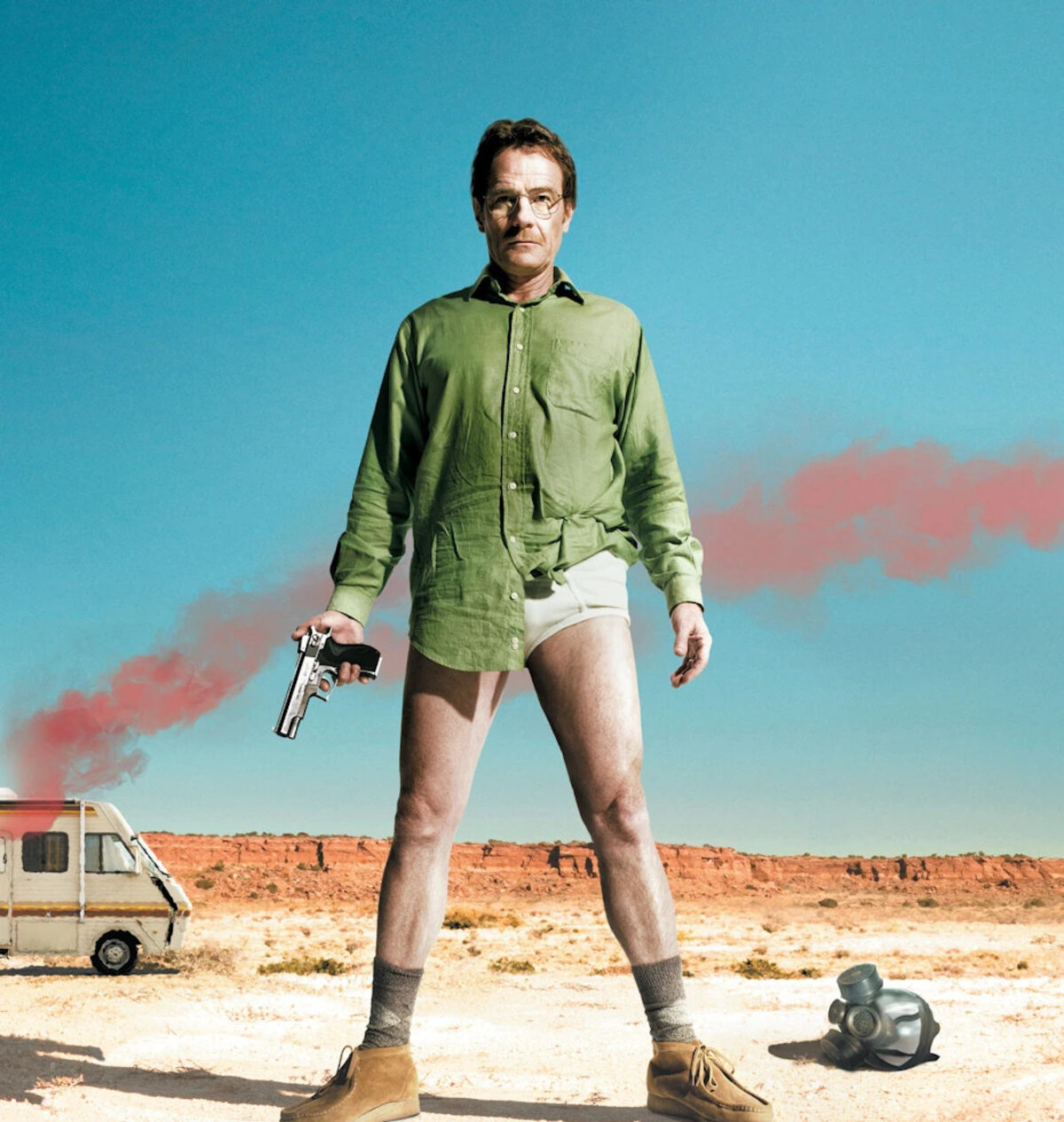
Common questions about the Peaky Blinders photo filter
Is this an official Peaky Blinders photo filter?
No. This preset is inspired by the visual aesthetic of Peaky Blinders' cinematography, it isn't an official filter licensed by or affiliated with the BBC or the show's creators. It's an independent color grade built to echo the look, not a branded tie-in product.
Is there a dedicated Peaky Blinders photo editor?
This page is that dedicated editor — the Peaky Blinders grade loads pre-selected in the drop zone above, so you can drop a photo and immediately adjust its vignette, grain, and glow without hunting through the full 60-preset library first.
Why does the Peaky Blinders preset desaturate the image so heavily?
The show builds its post-WWI Birmingham setting around industrial smog and muted, weathered color, browns, greys, and dull greens rather than vivid period color. This preset cuts saturation to half of normal, one of the heaviest desaturation pushes in this tool, to chase that same smog-choked, vintage tone.
How is Peaky Blinders different from the Better Call Saul preset?
They're both muted, warm-adjacent grades, but split in setting and darkness. Peaky Blinders runs much darker overall, with a heavy vignette and low brightness matching its industrial, often night-lit interiors. Better Call Saul stays brighter and closer to a warm, even desert tone, matching its cleaner, more procedural visual style.
Does the Peaky Blinders preset work on daylight photos?
It's built around the show's dim, smog-filtered daylight and firelit interiors, so it shows off most on photos with some existing haze, shadow, or muted light. Bright, clean daylight shots still pick up the desaturated, vintage cast, just less dramatically.
Why is the vignette default so strong on this preset?
The show frequently frames its most iconic shots, silhouettes against smoke, characters lit by a single window or fire, with heavy edge darkening that isolates the subject. A strong vignette default helps recreate that same enclosed, atmospheric framing.
What kind of photos look best with a Peaky Blinders-style color grade?
Industrial architecture, smoky or hazy scenes, and low-light interiors suit the grade best, since the desaturated palette and heavy vignette reward atmosphere over color. Silhouettes and backlit portraits also hold up especially well.
Prefer a different show or film's look? Browse the full library of 60 presets, see more dark and moody presets, or head to the homepage to start with a blank slate.